8 AMBefore heading out
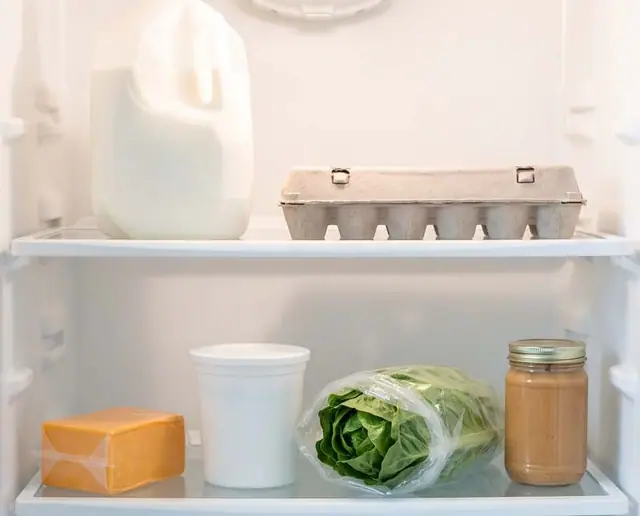
The fridge scan: you know what you have, without opening the door again.
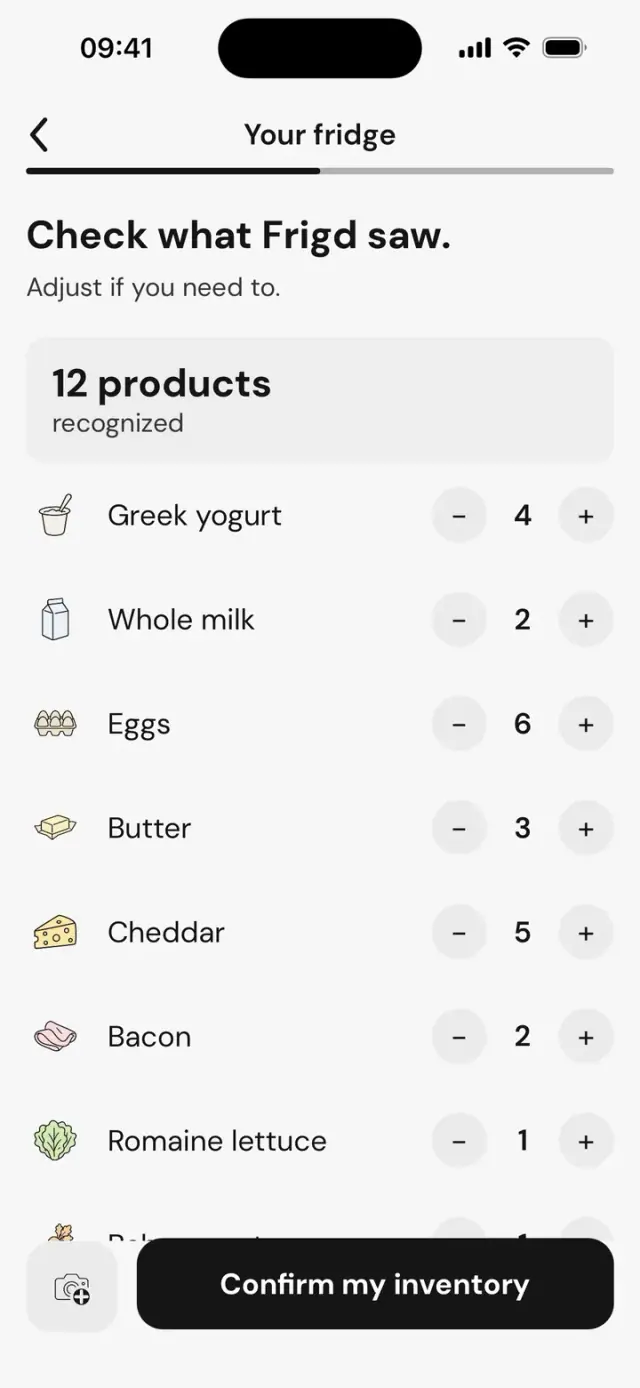
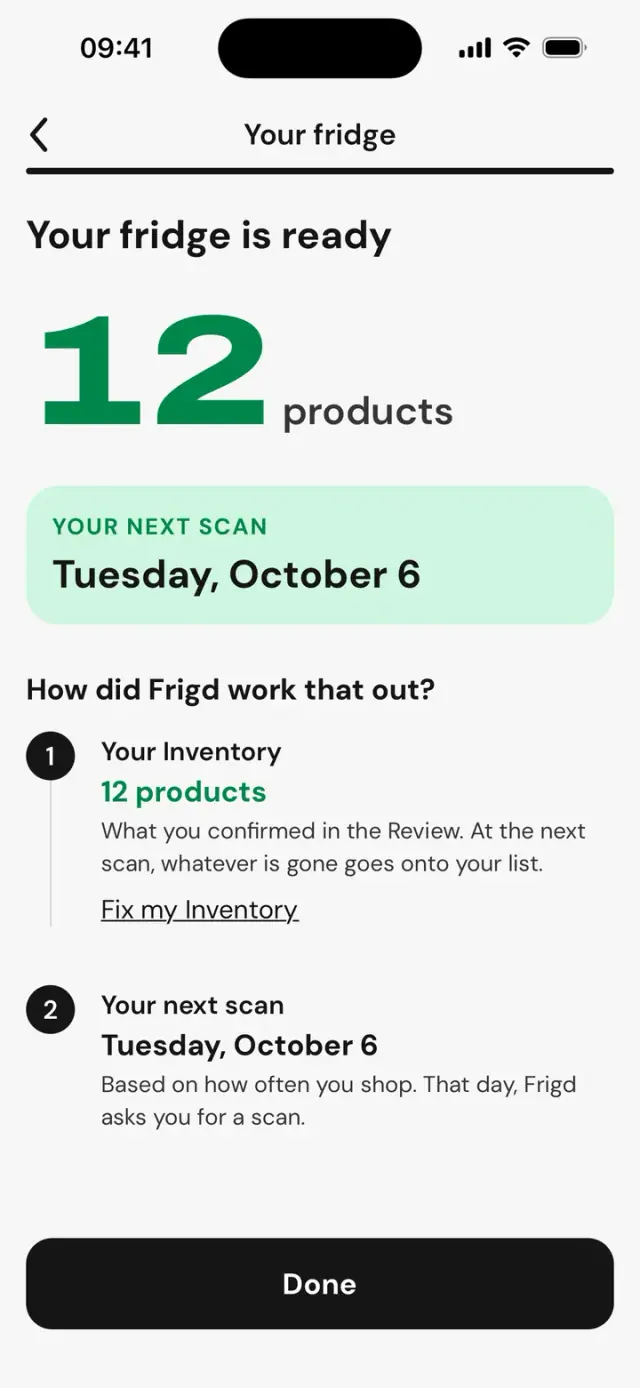
Film your fridge for a few seconds, one video is enough. Frigd recognizes the products and counts how many you have.




A day with Frigd, the shared grocery list app
On iPhone, everyone adds what’s missing, and everyone sees it live.


8 AMBefore heading out
Film your fridge for a few seconds, one video is enough. Frigd recognizes the products and counts how many you have.
10 AMAt the office
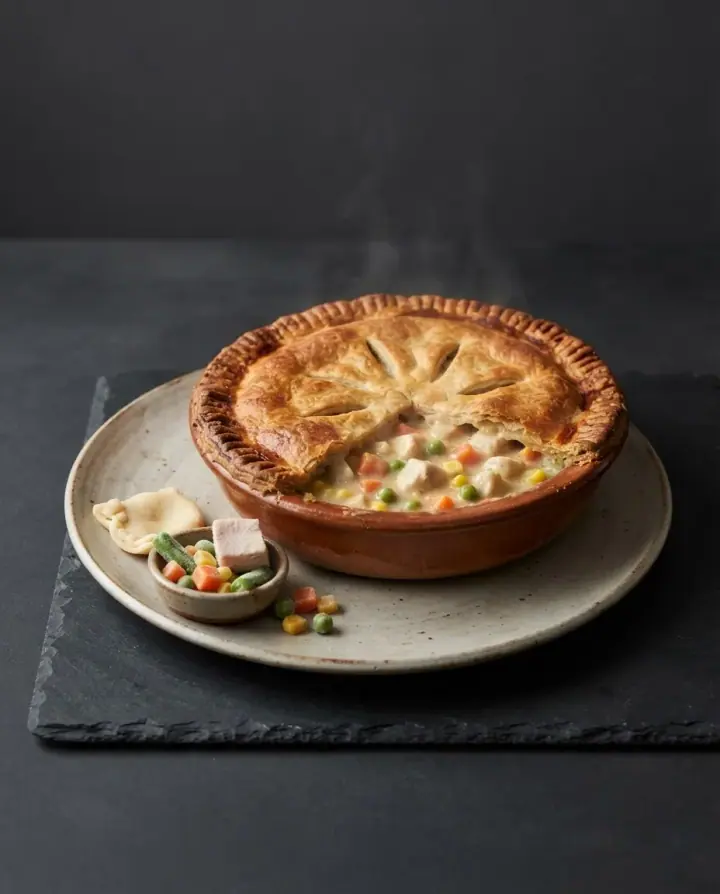
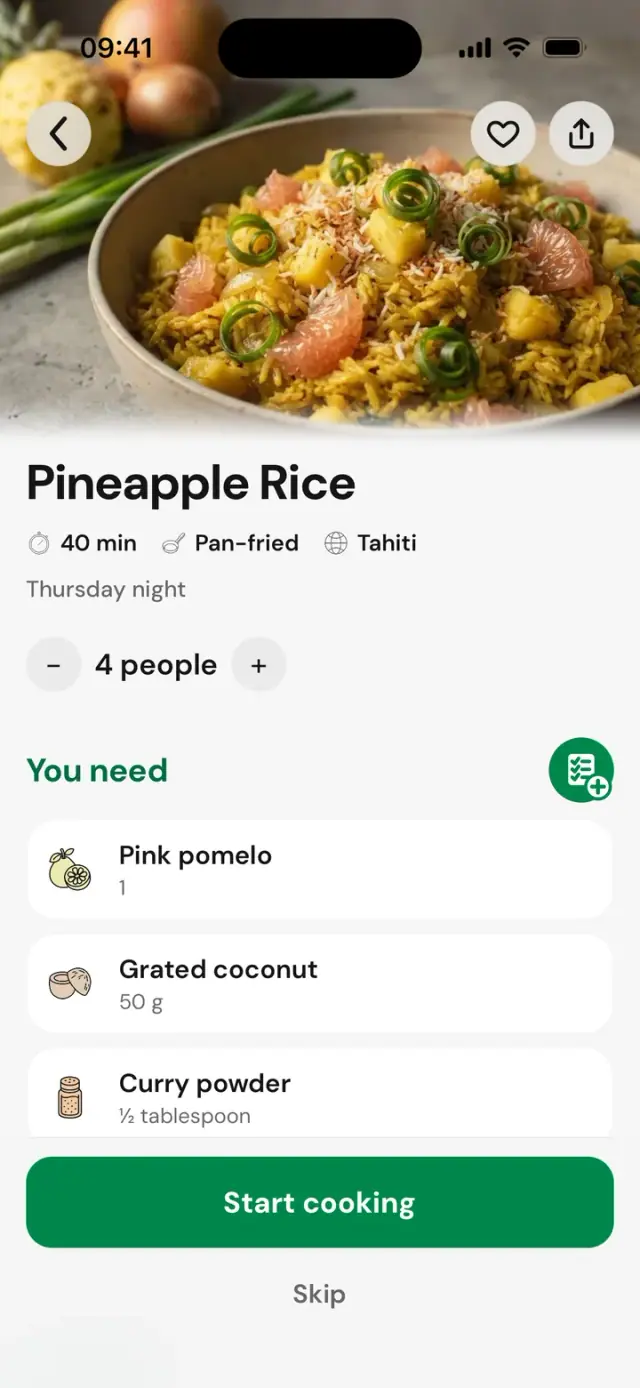
Around 10 AM, a notification suggests a dish. It already tells you how many of the ingredients you have at home.
Another day, maybeAnother day

10:02 AMStill at the office
The recipe shows what you have and what you need. One tap, and the missing items join the whole household’s list.
You need

You already have




12:30 PMLunch break
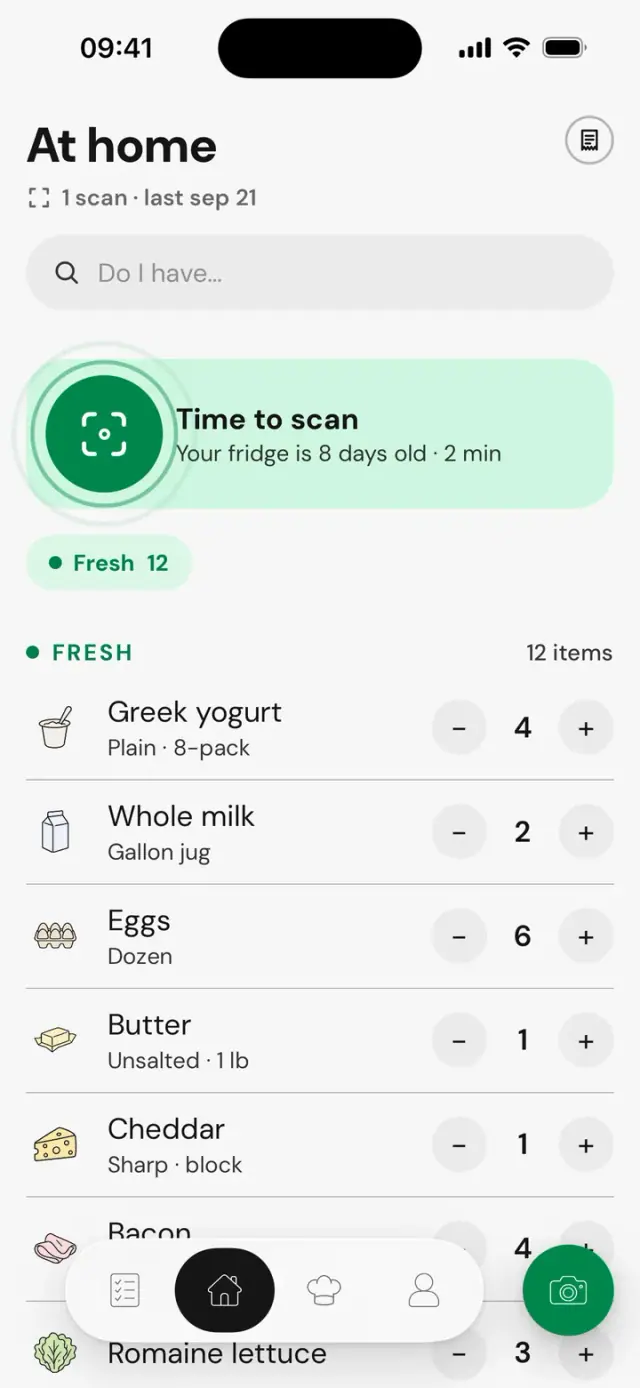
At home, everything is sorted into groups, with quantities. You ask the question, you get the answer.


5:30 PMOn the way home
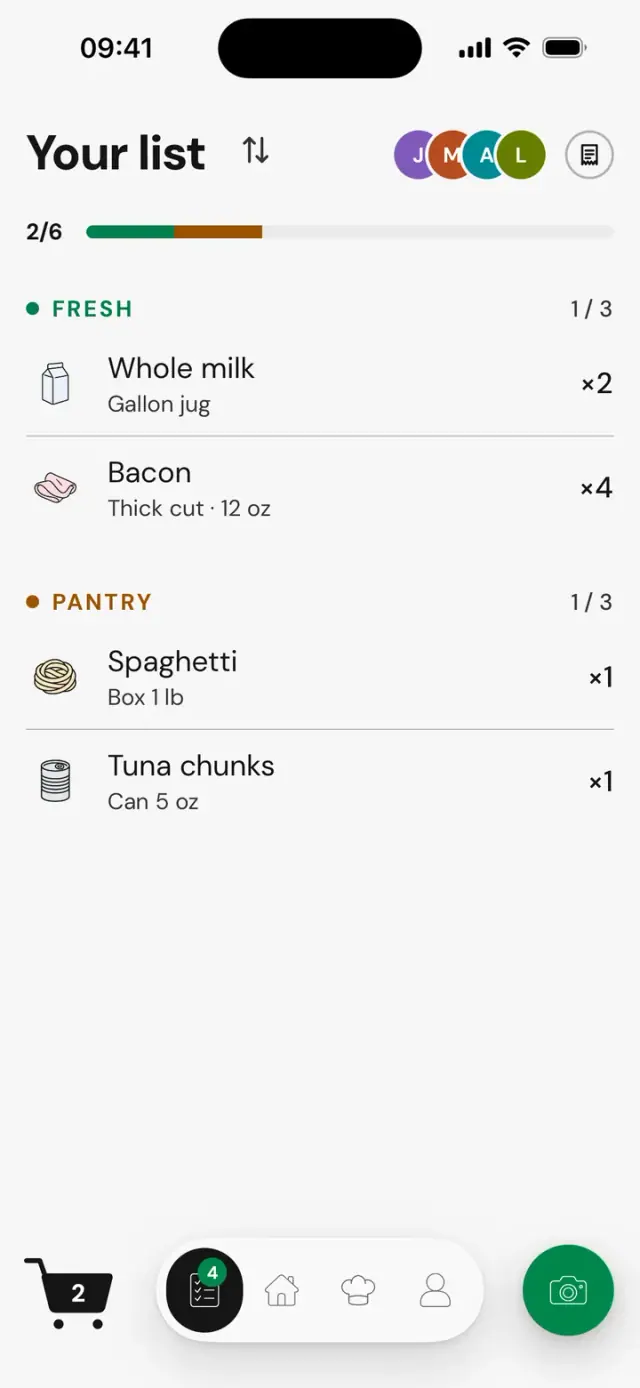
The whole household sees the same list, live. Everyone has their own badge: you see who picked up what, and what’s still left.
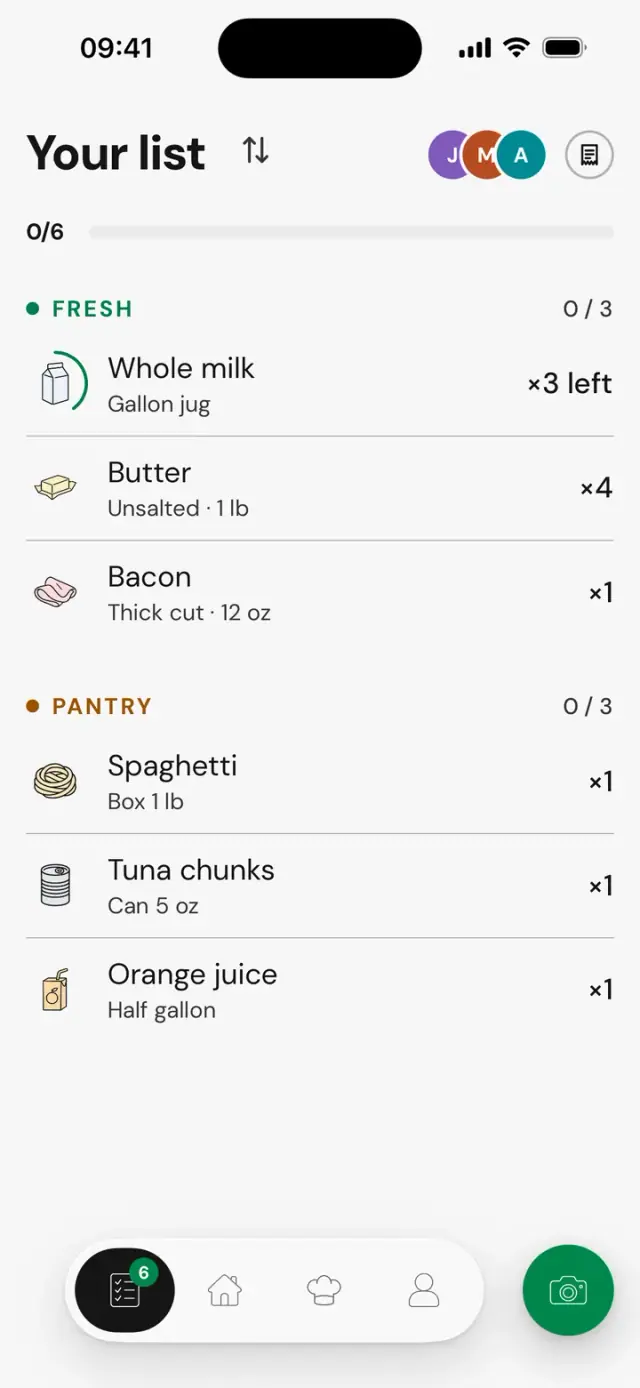


5:50 PMAt the store
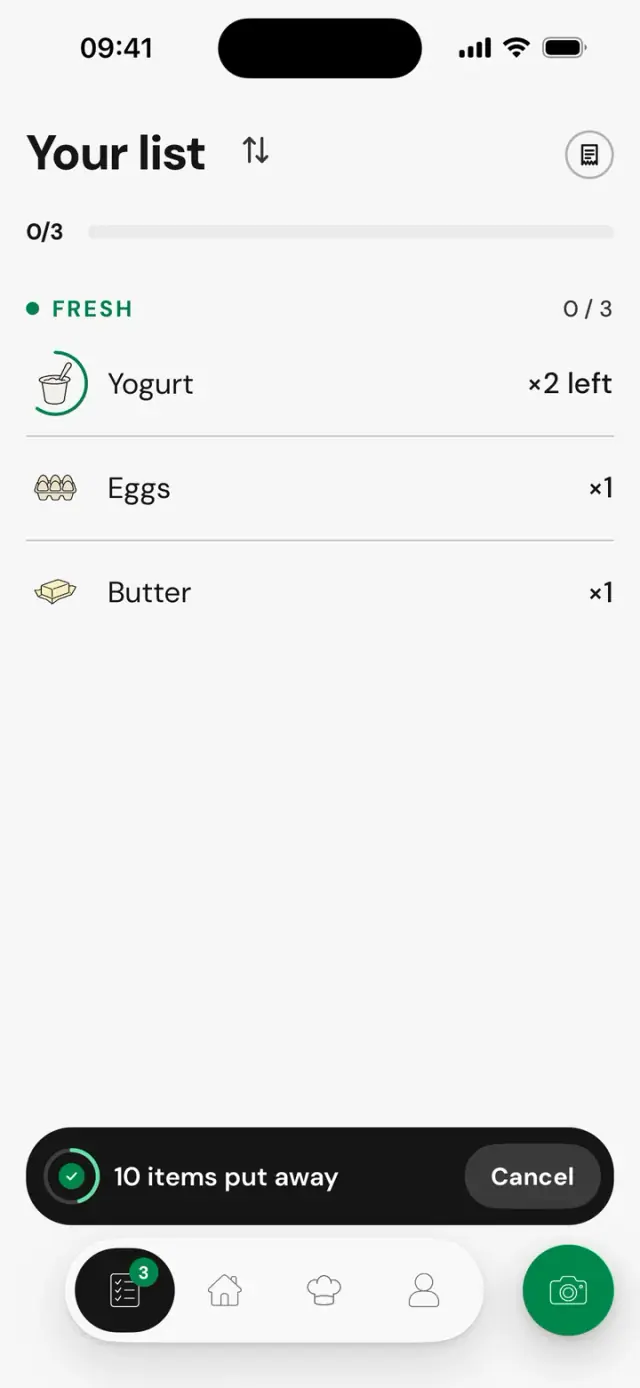
Check things off as you go down the aisles. When everything’s in the cart, Frigd tells you. Nobody comes home without the butter.
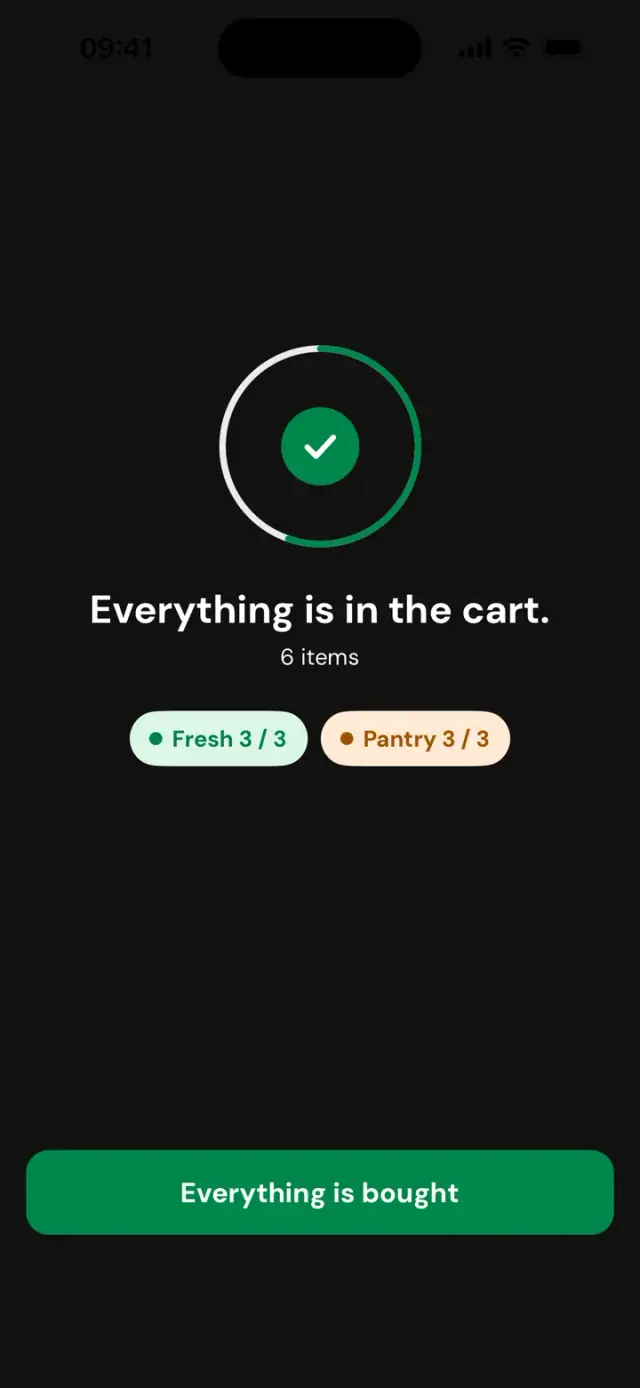
In the cartCart6/6
Everything is in the cart.
Tap an item to uncheck it.
6:15 PMBack home
Snap a photo of the receipt. What was on the list gets checked off, and the extras go into your home.
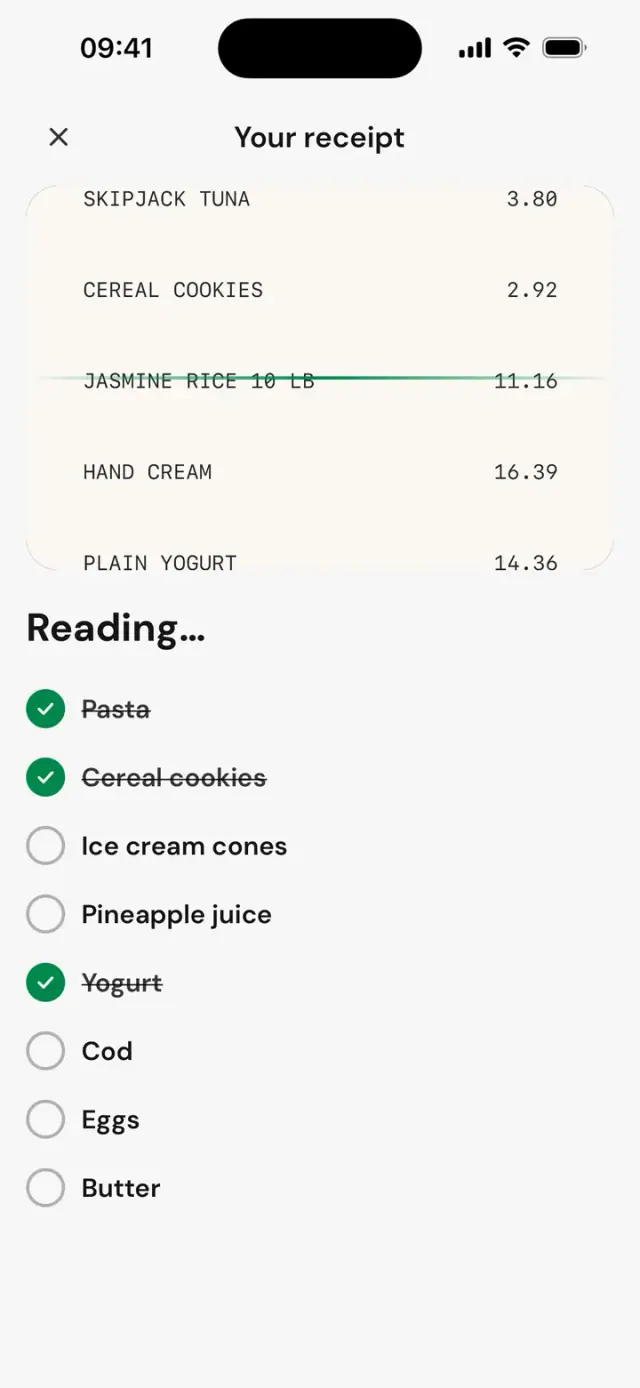
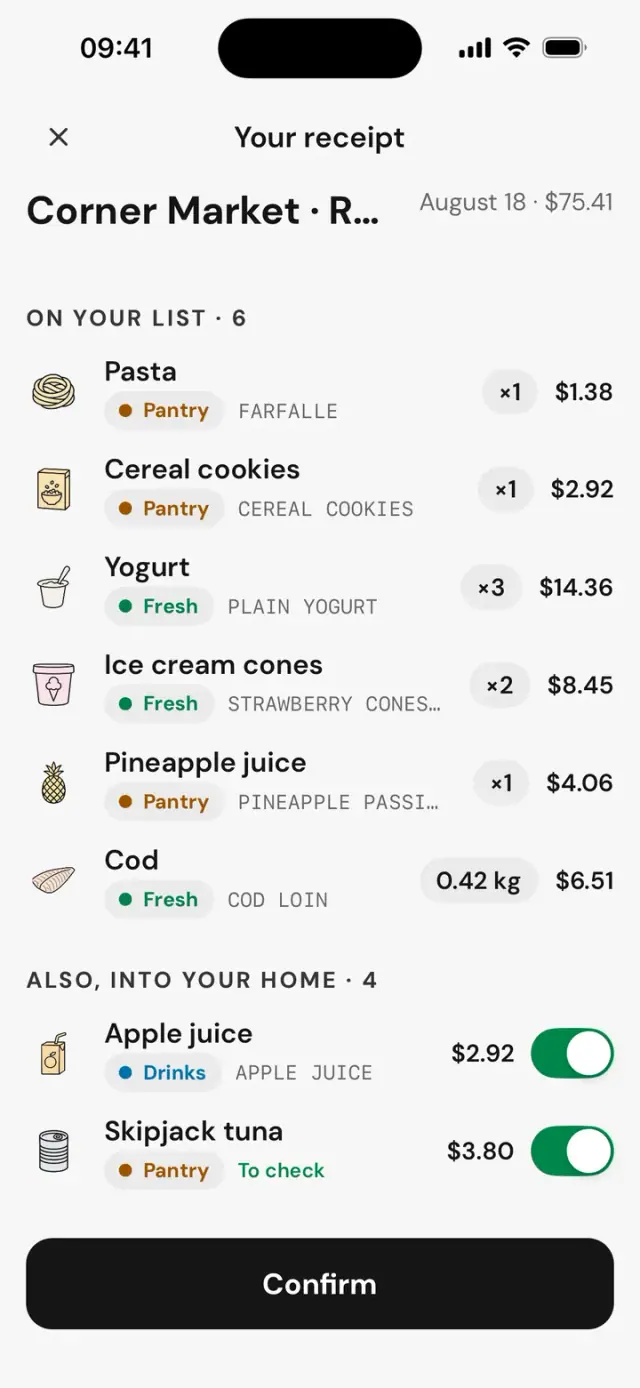
CORNER MARKET
FARFALLE1.38
CEREAL COOKIES2.92
PLAIN YOGURT14.36
APPLE JUICE2.92
SKIPJACK TUNA3.80
COD LOIN6.51
TOTAL$75.41
6:45 PMEvening, in the kitchen
One step at a time, with its ingredients. The timer lets you know when it rings, even with your phone down.
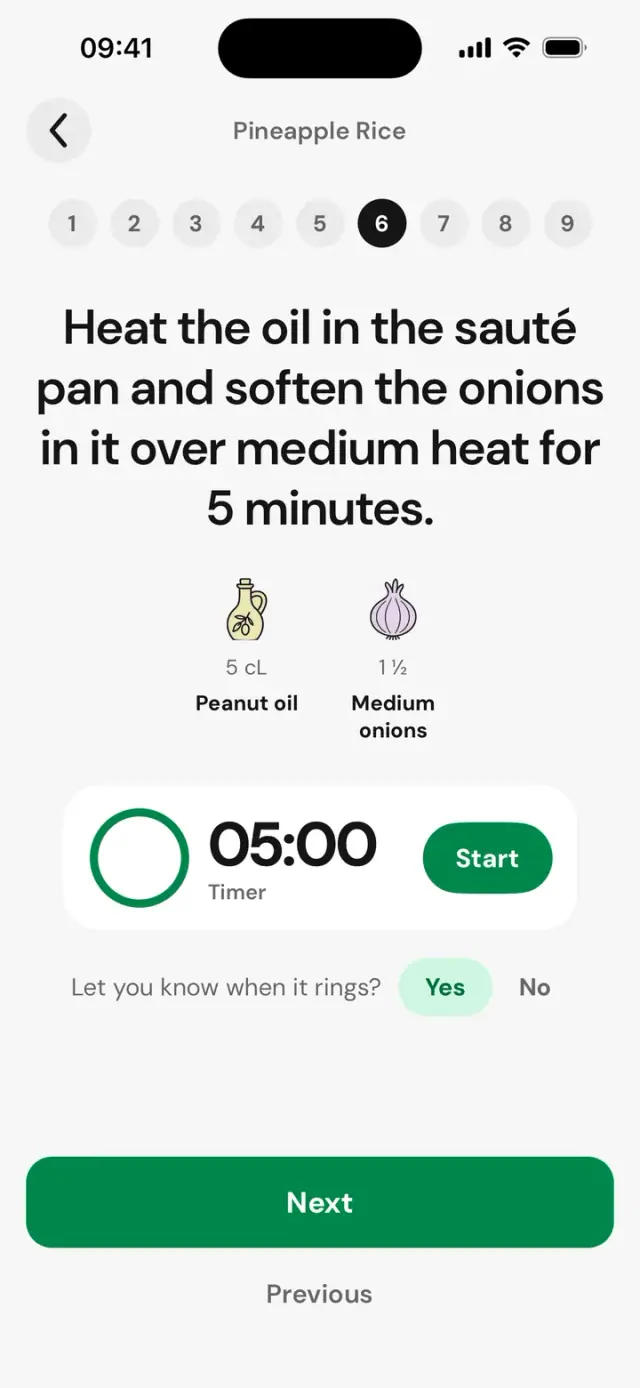
Step 5 of 8
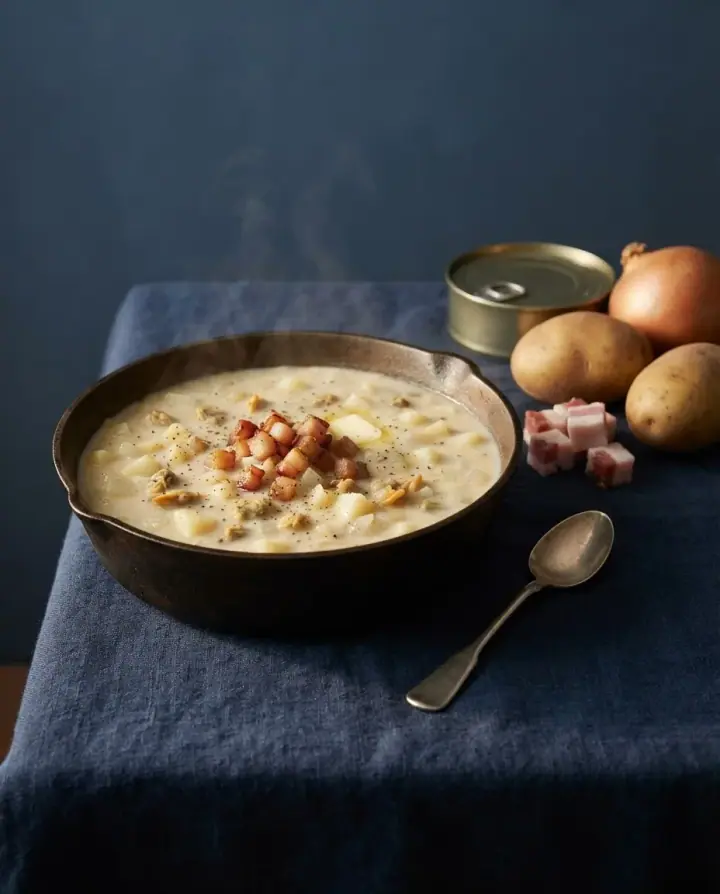
Five minutes for the onions.
7:45 PMAfter dinner
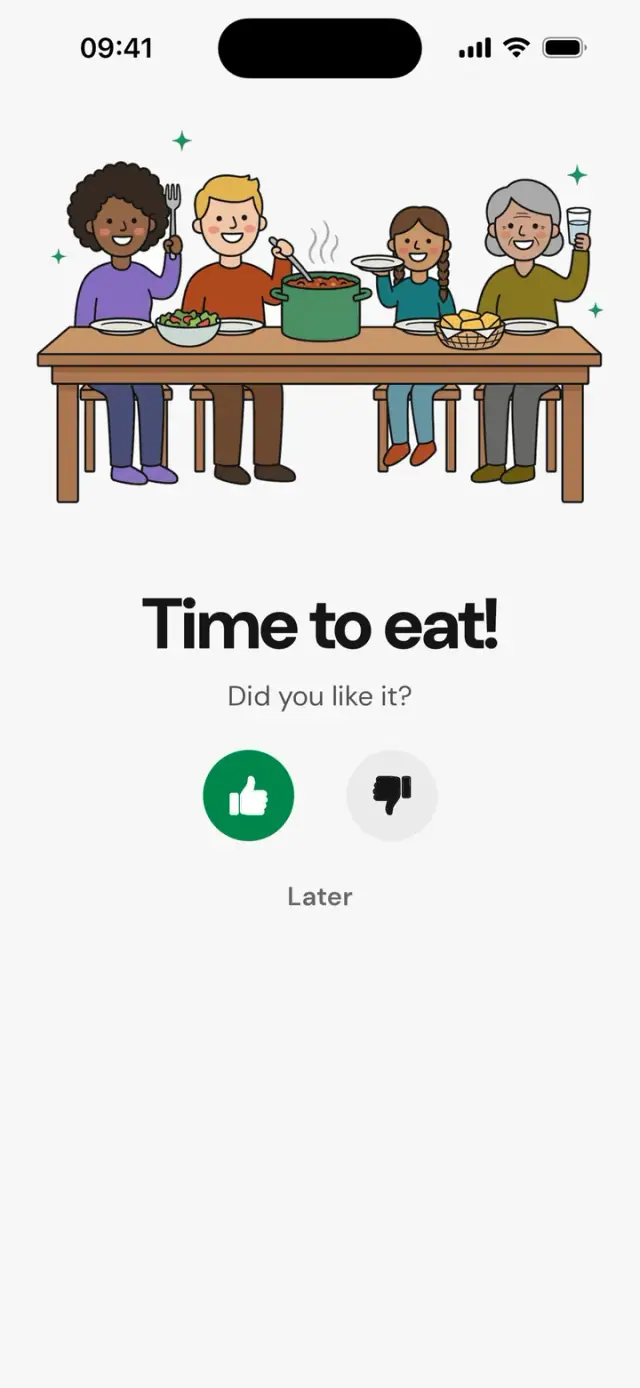
Frigd asks what’s left. Your home updates, and “None” puts the item on the list.
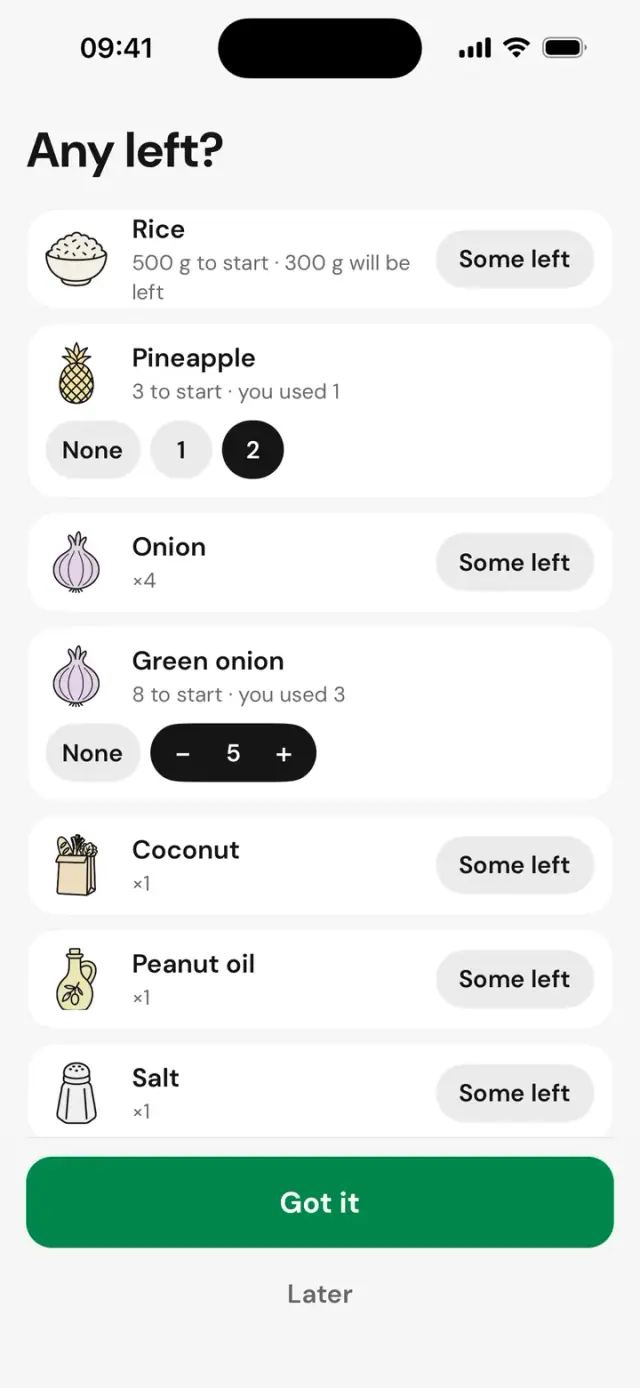
2 pineapples left at home.
Recipes
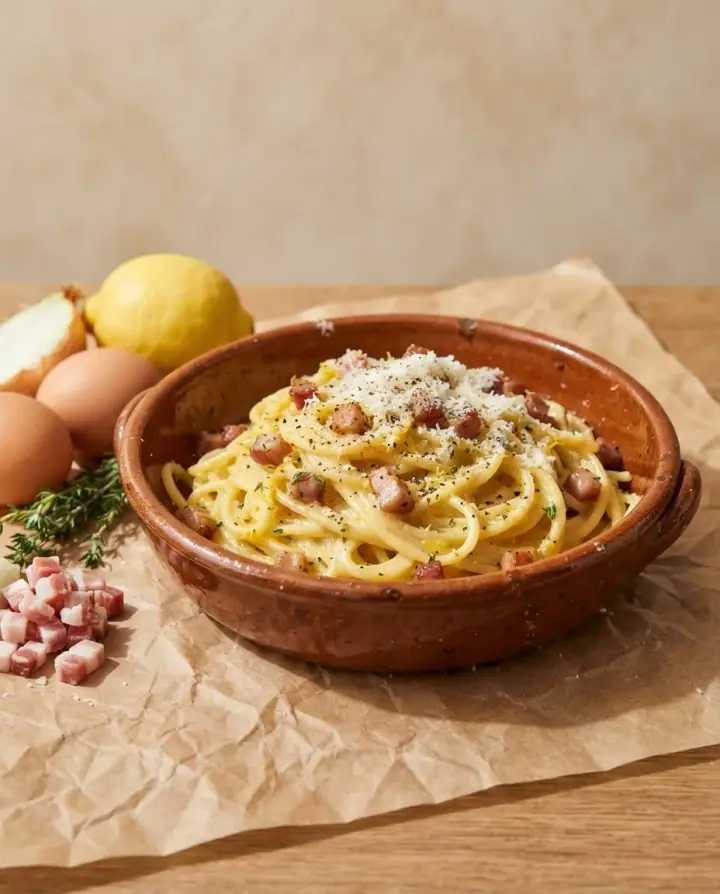
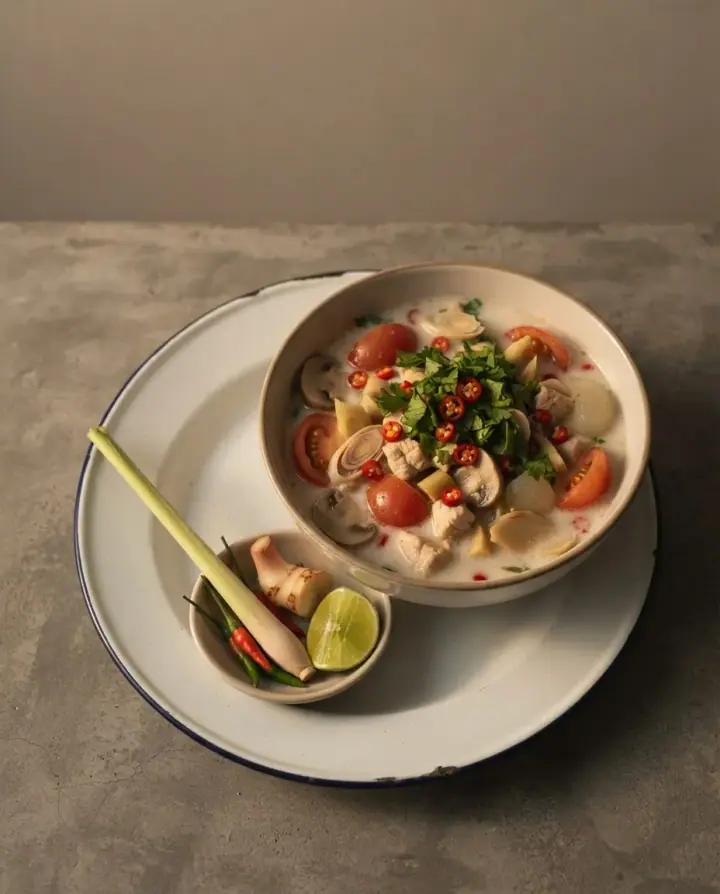
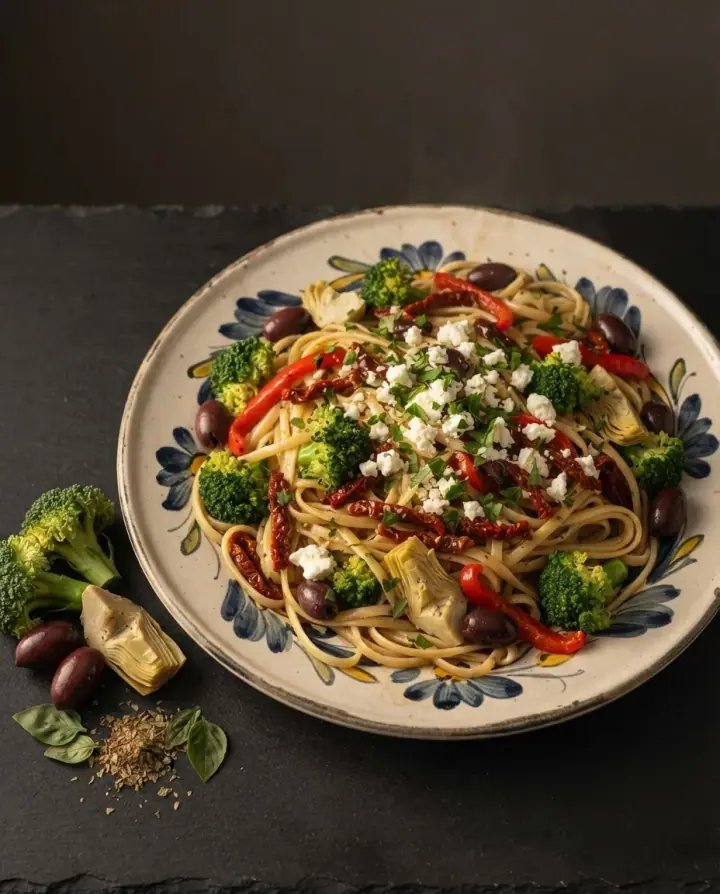
Every week, Frigd suggests dishes made with what’s already in your kitchen. Missing an ingredient? It goes on the list in one tap.
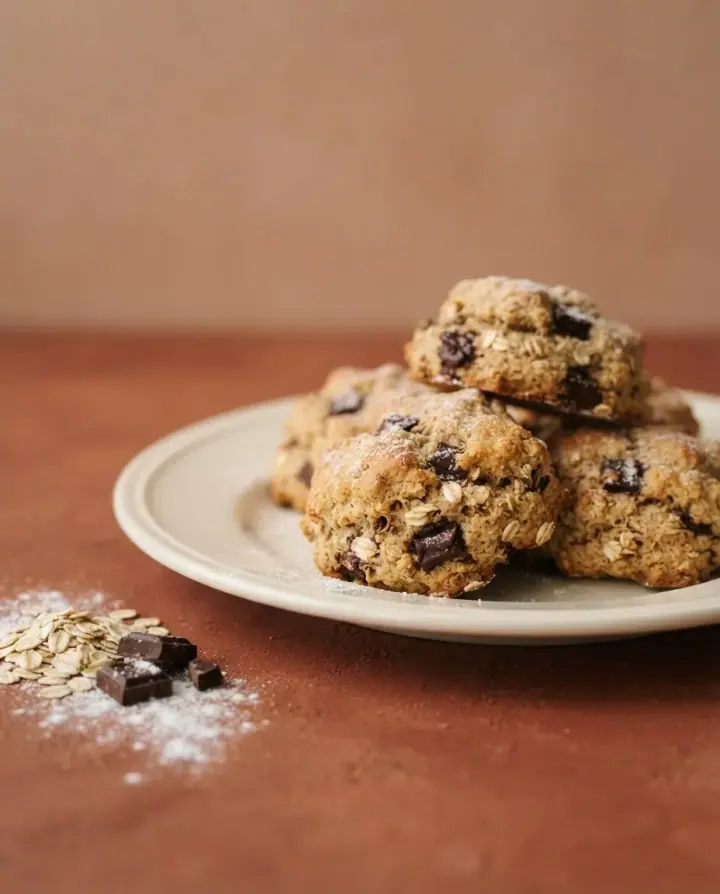


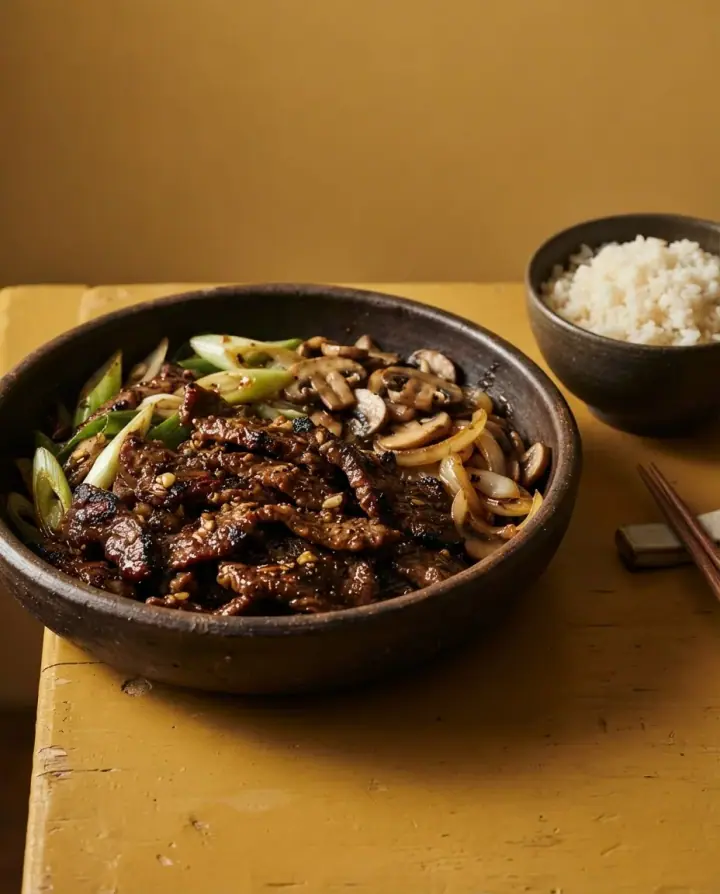


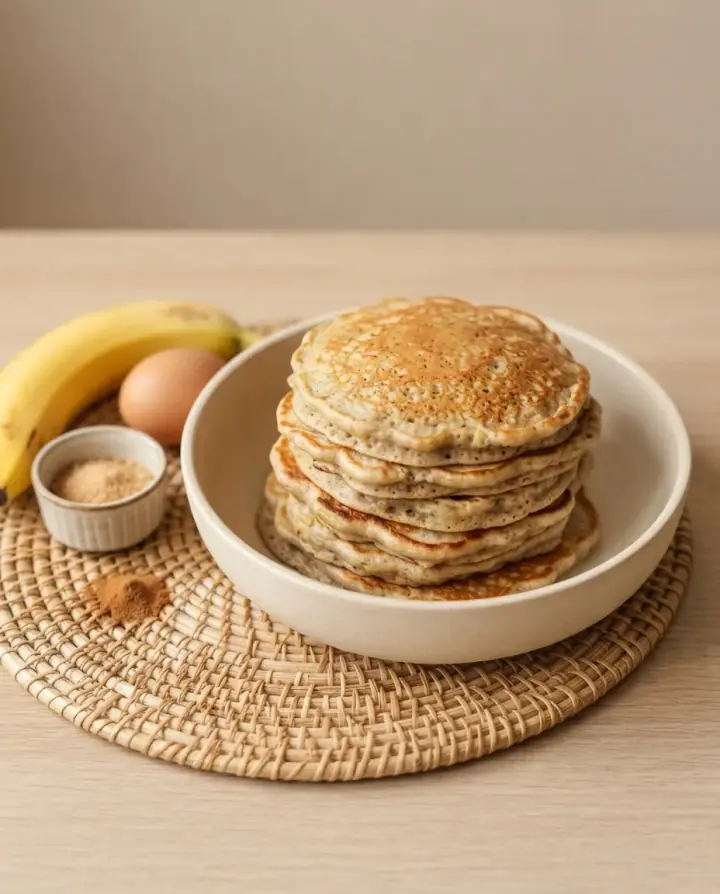

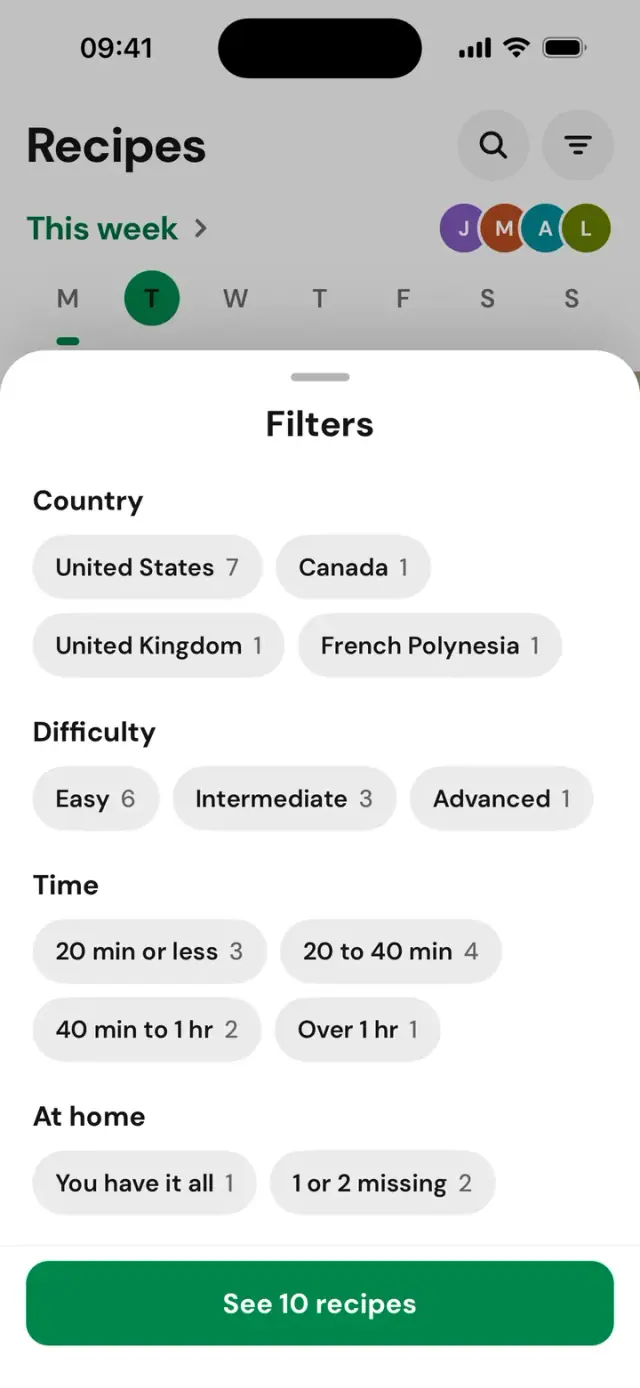
By country, by time, by name, or only with what you already have.
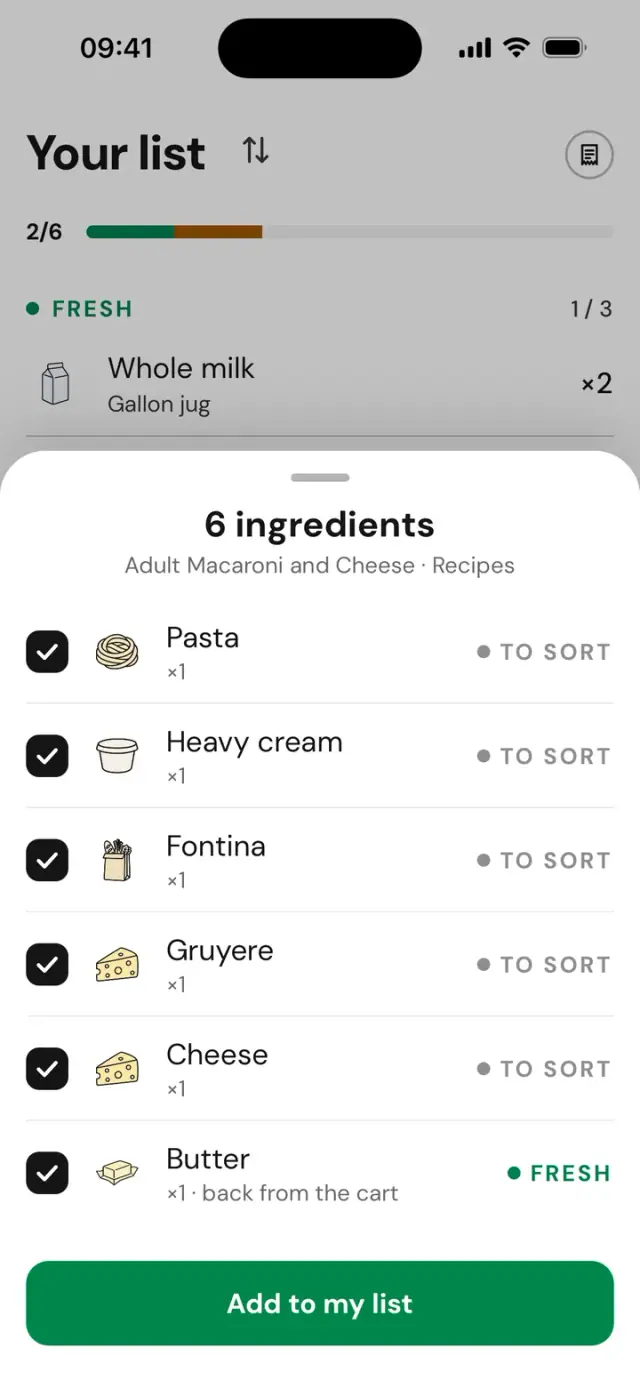
From another app, “Share → Frigd” puts the ingredients on your list.
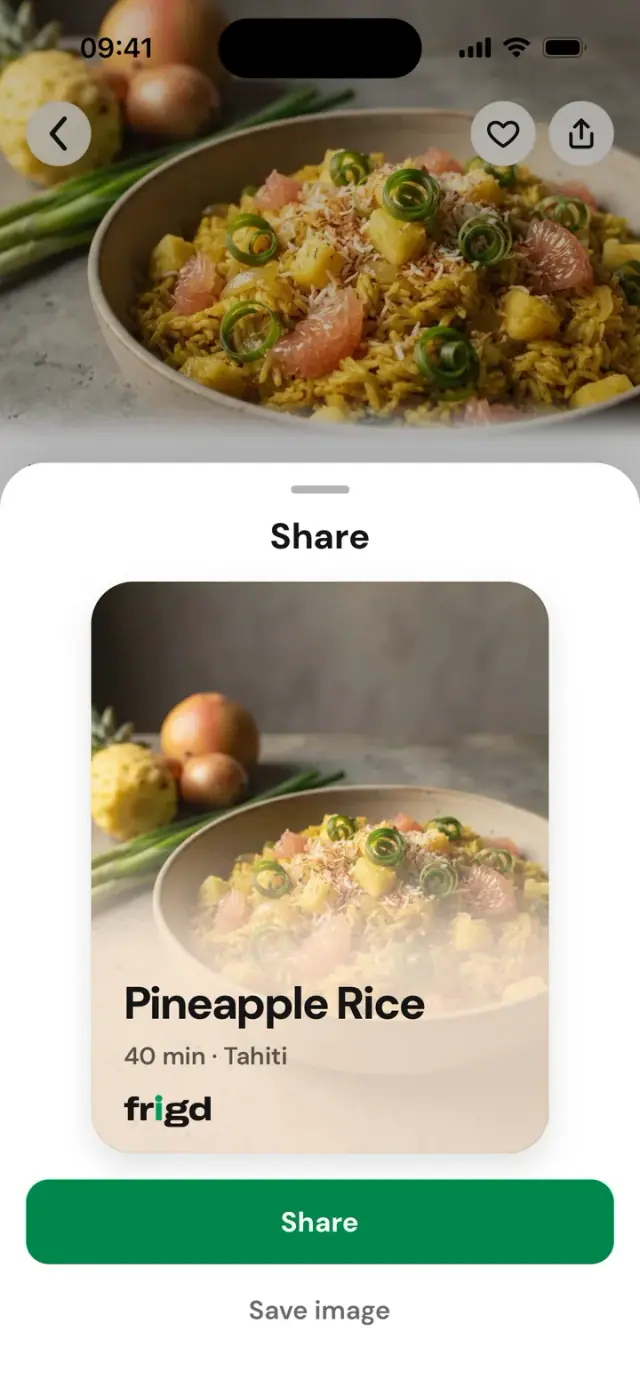
The link opens the recipe in their app, or the App Store if they don’t have it.
The whole household
Invite your household with a code. Everyone sees the same list and the same fridge, and you decide who can scan. One subscription, up to 4 people.
Everyone adds what’s missing. At the store, you see who already picked up what.
17 languages
The whole app speaks your language, down to the dish names. Arabic and Hebrew read right to left.
Frequently asked questions
Frigd is an iPhone app that keeps one shared grocery list for the whole household: you film your fridge, you photograph your receipt, and it suggests recipes with what you already have.
Downloading is free. Access to Frigd then comes through a subscription of 1, 6 or 12 months, with every feature in every plan: only the length and the price change. The exact price is shown in the app before any payment. A 3-day trial is offered on the monthly plan and a 7-day trial on the 6- and 12-month plans, at your first subscription: nothing is charged during the trial. The subscription renews automatically, and you manage or cancel it in your App Store account settings.
Up to 4 people, owner included, share one list in real time, with the same fridge and the same recipes. One subscription covers the whole household: whoever creates it pays, invited people never pay. You invite your household with a code, valid for 48 hours. Fridge scanning is limited to two household members: you and the person you choose.
You film your shelves and cupboards for a few seconds: one video is enough, not one photo per product. Frigd recognizes the products, counts the quantities and shows you the result so you can correct it before confirming. Recognition can be wrong: you have the final say. At the next scan, whatever has disappeared goes onto the grocery list.
You take a photo of your receipt on the way out of the store. What was on your grocery list gets checked off, and the extra purchases join your home. A long receipt takes several photos, and a digital receipt arrives through the share menu, as a PDF or an image. An editable summary is shown before anything is saved, with six seconds to undo if you picked the wrong receipt.
Every week, Frigd suggests dishes made with what you already have at home. The recipe shows what you have and what you’re missing: one tap, and the missing items join the whole household’s grocery list. You can filter recipes by country, by time, by name, or only with what you already have, then cook step by step with a timer.
Frigd speaks 17 languages: French, English, Spanish, Portuguese, Italian, German, Dutch, Swedish, Danish, Norwegian, Japanese, Korean, Simplified Chinese, Traditional Chinese, Hindi, Hebrew and Arabic. The whole app speaks your language, down to the dish names. Arabic and Hebrew read right to left.
Frigd is available on iPhone, and Android is coming soon. There is no web app: Frigd is a mobile app.
You stay in control: the result of a scan or a receipt is always shown to you for correction before it’s saved, and sensitive choices, such as diet, restrictions or each person’s tastes, are only saved with your consent. You can remove them any time. Payment goes through the App Store: the publisher has no access to any bank details. The full detail is in the privacy policy.